Samsung SM-M135FU
Galaxy M13
Performance data from 4 tracked devices
About the Galaxy M13 (SM-M135FU) from Samsung
Detailed battery performance data for the Samsung SM-M135FU (marketed as "Galaxy M13"). Each row represents a real device contributing data to our analytics database.
Want insights on your Android phone's battery usage? Download BatterySnap on Google Play, the free Android application.
Individual Device Performance
Click any device thumbnail to view battery history. Click column headers to sort.
| Device | First Snapshot ↕ | Snapshots ↕ | Last Snapshot ↕ | Restarts ↕ |
Avg Duration (days) ↕ |
Max Duration (days) ↕ |
Awake Ratio (lower = better) ↕ |
Max Temp ↕ | Avg Temp ↕ | Avg Level ↕ |
|---|---|---|---|---|---|---|---|---|---|---|
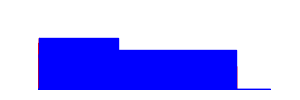
|
636 | 0 | 0.0d | 6.0d | 0.360 | 39.9°C | 36.3°C |
52.5%
|
||
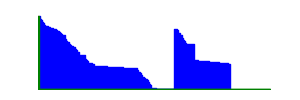
|
10097 | 189 | 1.4d | 5.9d | 0.219 | 44.2°C | 27.3°C |
46.5%
|
||
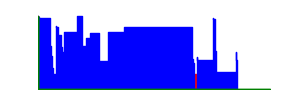
|
576 | 1 | 41.3d | 41.3d | 0.232 | 36.1°C | 31.0°C |
70.2%
|
||

|
934 | 11 | 2.0d | 9.7d | 0.465 | 39.6°C | 34.7°C |
57.9%
|
Related Information
(1) The awake ratio is the amount of time the device (here an Android tablet or smartphone) spends not "sleeping". When the device sleeps, most of its components are inactive. The screen is inactive, the main processor is inactive. This is the reason why it uses very few battery in this state. Having a big awake ratio means that the device is always doing something. This is often caused by background applications. This can also mean that the device is plugged and is charging. While awake, most of its components are active and the device's life length will be affected. If it happens that your device awake ratio is high, consider finding what applications are constantly working in background, likely for useless purpose. Consider also unplugging your device when its battery is full or almost full. You will see that your battery life will increase and you will keep your device up running for a long time with no need to replace the battery.